
Graphic design is evolving at lightning speed, and artificial intelligence is the engine driving the change. From generating stunning visuals in seconds to fine‑tuning colors with a single click, AI tools are becoming indispensable allies for designers who want to stay ahead of the curve. In this guide we’ll explore the most powerful AI solutions that can transform your creative process, save time, and open new realms of possibility.
AI-Powered Image Generation
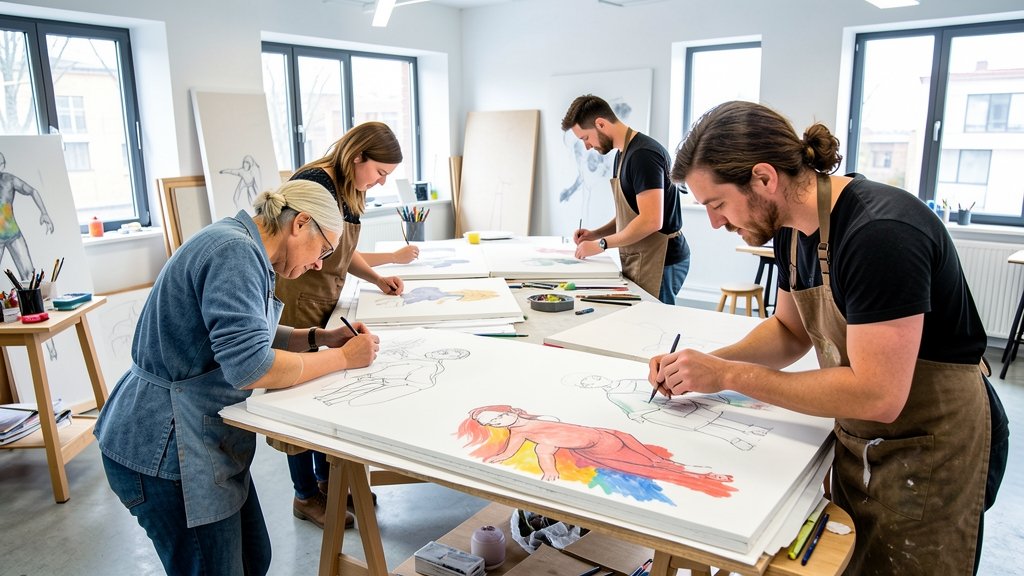
Imagine describing a concept in plain language and watching a high‑resolution illustration appear instantly. Tools like Midjourney, DALL·E 3, and Stable Diffusion excel at turning textual prompts into vivid artwork, giving designers a rapid prototyping playground. These platforms learn from massive image datasets, allowing you to experiment with styles, lighting, and composition without starting from scratch.
Beyond speed, AI image generators spark inspiration. When you’re stuck on a visual direction, a few descriptive words can produce dozens of variations, helping you break creative blocks. The key is to treat the output as a starting point—refine, edit, and integrate it into your design workflow for a polished final piece.
Smart Color Palettes and Mood Boards
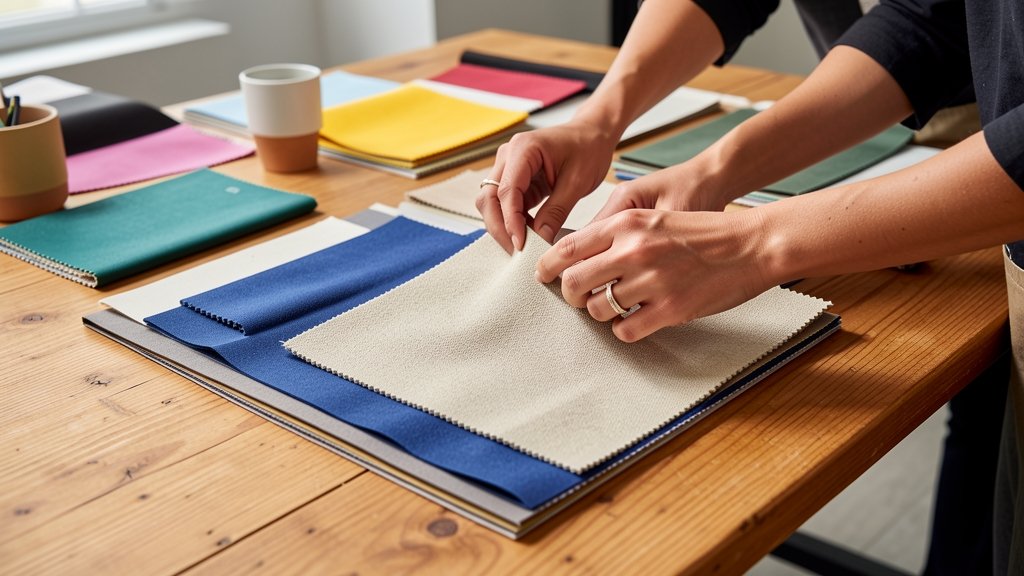
Choosing the right colors can make or break a design. AI‑driven tools such as Khroma, Colormind, and Adobe Color leverage machine learning to suggest harmonious palettes based on trends, brand guidelines, or even a single image you upload. They analyze hue relationships, contrast ratios, and emotional impact, delivering ready‑to‑use swatches that feel both fresh and purposeful.
Many of these platforms also generate mood boards automatically, clustering images that share a visual language. This accelerates the early stages of a project, allowing you to present compelling concepts to clients faster and with data‑backed confidence.
Automated Layout and Branding

Layout is the backbone of effective communication, yet it can be painstakingly manual. AI assistants like Canva’s Magic Design, Looka, and Designify analyze content hierarchy and automatically arrange text, images, and icons into balanced compositions. They adapt templates to fit different formats—social posts, flyers, presentations—while preserving brand consistency.
For branding, these tools can generate logo variations, business card layouts, and brand kits in seconds. By feeding a few brand attributes, the AI produces a suite of assets that maintain visual cohesion, freeing designers to focus on strategy and storytelling rather than repetitive tasks.
Intelligent Photo Editing
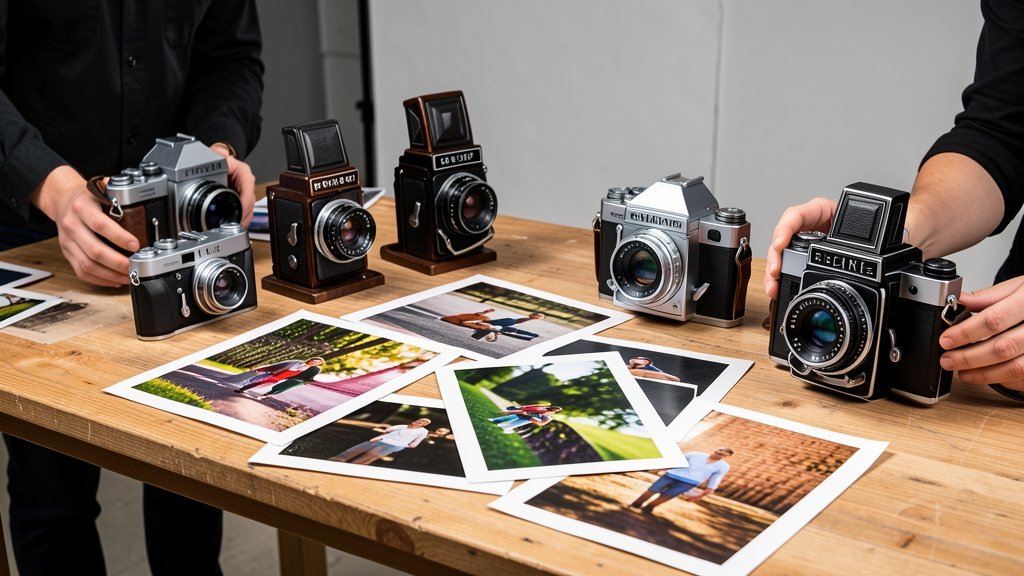
Photo refinement used to require hours of meticulous work. Modern AI editors like Luminar Neo, Remove.bg, and Adobe Photoshop’s Generative Fill streamline the process. They can isolate subjects, remove backgrounds, enhance lighting, and even add realistic elements based on simple prompts.
These tools also offer batch processing powered by AI, letting you apply consistent adjustments across dozens of images with a single click. The result is a polished visual library that feels cohesive, saving designers valuable time for higher‑level creative decisions.
AI-Assisted Illustration
Illustrators now have AI companions that help sketch, vectorize, and stylize artwork. Applications like Vectornator, Clip Studio Paint’s AI Assist, and Autodesk SketchBook use neural networks to predict strokes, auto‑color line art, and suggest perspective guides. This accelerates the creation of complex illustrations while preserving the artist’s unique hand.
Some platforms also convert hand‑drawn sketches into clean vector graphics, ready for scaling and animation. By handling repetitive tasks, AI lets illustrators devote more energy to storytelling, character development, and intricate details that define their style.
Future Trends and Choosing the Right Tool

The AI landscape for graphic design is constantly expanding. Emerging trends include generative 3D assets, real‑time collaboration powered by AI, and deeper integration with AR/VR experiences. To stay competitive, designers should experiment with multiple tools, evaluate how each fits their workflow, and keep an eye on community feedback.
When selecting an AI solution, consider factors such as ease of use, output quality, licensing terms, and how well it integrates with your existing software stack. A balanced toolkit—combining image generation, color assistance, layout automation, and photo editing—will empower you to deliver standout designs faster than ever before.
AI is reshaping graphic design, turning tedious tasks into seamless experiences and unlocking fresh creative possibilities. By incorporating the right AI tools into your workflow, you can boost productivity, enhance quality, and delight clients with innovative results. Ready to elevate your designs? Try DesignStager today and experience AI‑powered presentations that bring your ideas to life.